Contactless payments
Cards, phones, Apple Pay, Google Pay and IRIS.
POS for your business
Modern terminals with a full AADE connection, for secure payments in store or wherever you work.
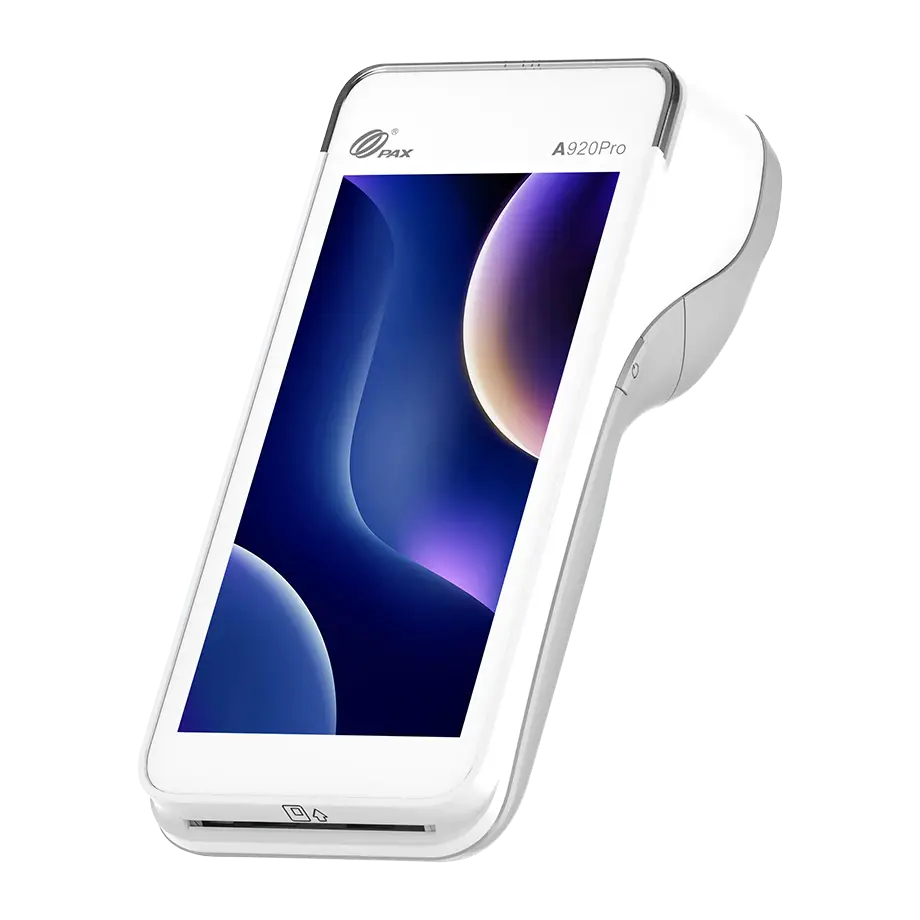









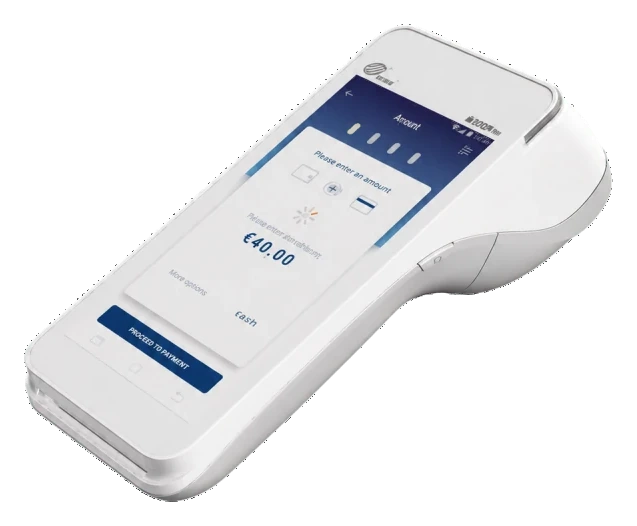
AADE
The terminal prints a transaction slip. The tax receipt comes from your cash register or ERP. Paynt links the terminal to AADE, under provider code 648, after it approves the business.
Cards, phones, Apple Pay, Google Pay and IRIS.
A clear touchscreen for the daily rhythm of the shop.
We guide you through the choice, registration and activation.
Our terminals
Choose the device that fits the way your business takes payments.
A reliable everyday terminal for businesses that want payments to stay simple.
The step up, for businesses that need more speed and flexibility at the counter.
VAT, delivery, setup and SIM included
From the tap to your account
The payment is completed on the terminal, and you see the taking. Paynt sends the money to the account you have given.
Your POS · Example
01The customer pays by card, contactless or IRIS. The transaction slip prints immediately.
Your account · Example
02Follow the day’s transactions from your account instead of chasing paper.
Your bank · Example
03Paynt sends the money to the account you have given, once the transaction is approved. Fees, refunds and any reserves come off before it arrives. Paynt writes your day in the email you sign.
Card takings are settled by Paynt UAB. MS Plus Group M.ike does not hold customer funds and is not a bank or a payment institution.
How it works
Account first, approval next, the terminal last. Scroll and see what happens at each step.
Go to moneysafeplus.com/account and register your business.
moneysafeplus.com/account
We check your details. Paynt approves whether you can take cards, and then the purchase and the shipment go ahead.
Choose the A920 or the A920 Pro. It ships after approval, typically within 3 days.

Support
Write to us and a person replies, Monday to Friday, 09:00–17:00 Greece time. If the POS stops working, the first reply arrives within one business day.
Monday–Friday · 09:00–17:00
Send a messageWe tell you whether the A920 or the A920 Pro fits the pace of your counter.
Before you gather papers, we explain what the account needs in order to be approved.
We help with delivery and the first payment at the counter.